Do my signers need an app or an account?
No. Each signer opens their link in whatever browser they already have — phone, tablet or laptop — gives consent, passes whatever gates you set, and signs. No app, no account, no watermark on their copy. Only the host needs a Pro Signing account.
What exactly do I get at the end?
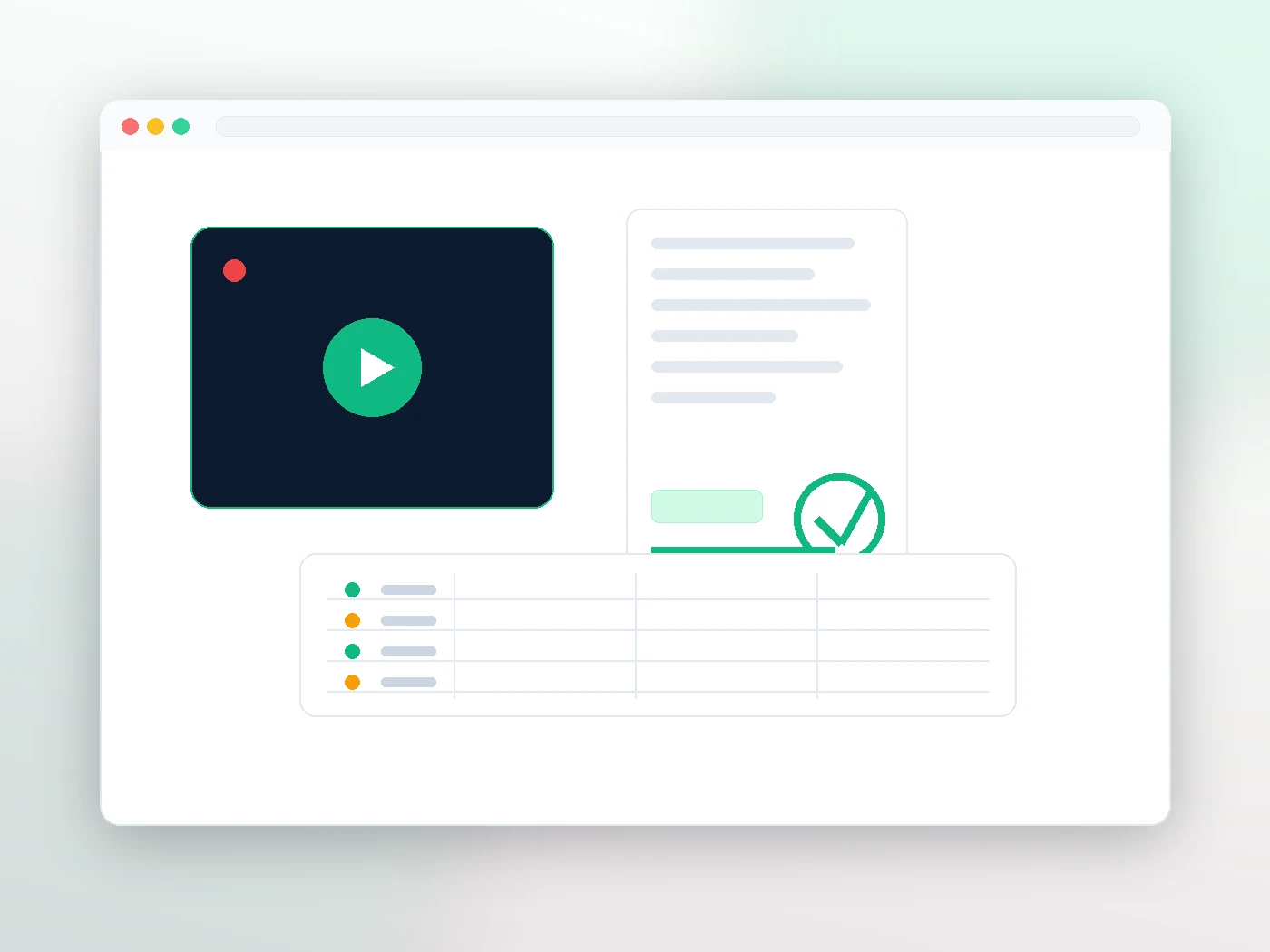
Three things: the recording (if you started one), a tamper-sealed PDF carrying a Certificate of Signing & Seal page, and an Audit Report listing every participant, identity result, join event, device, IP and signature — exportable as PDF or CSV.
Can I force people to sign in a particular order?
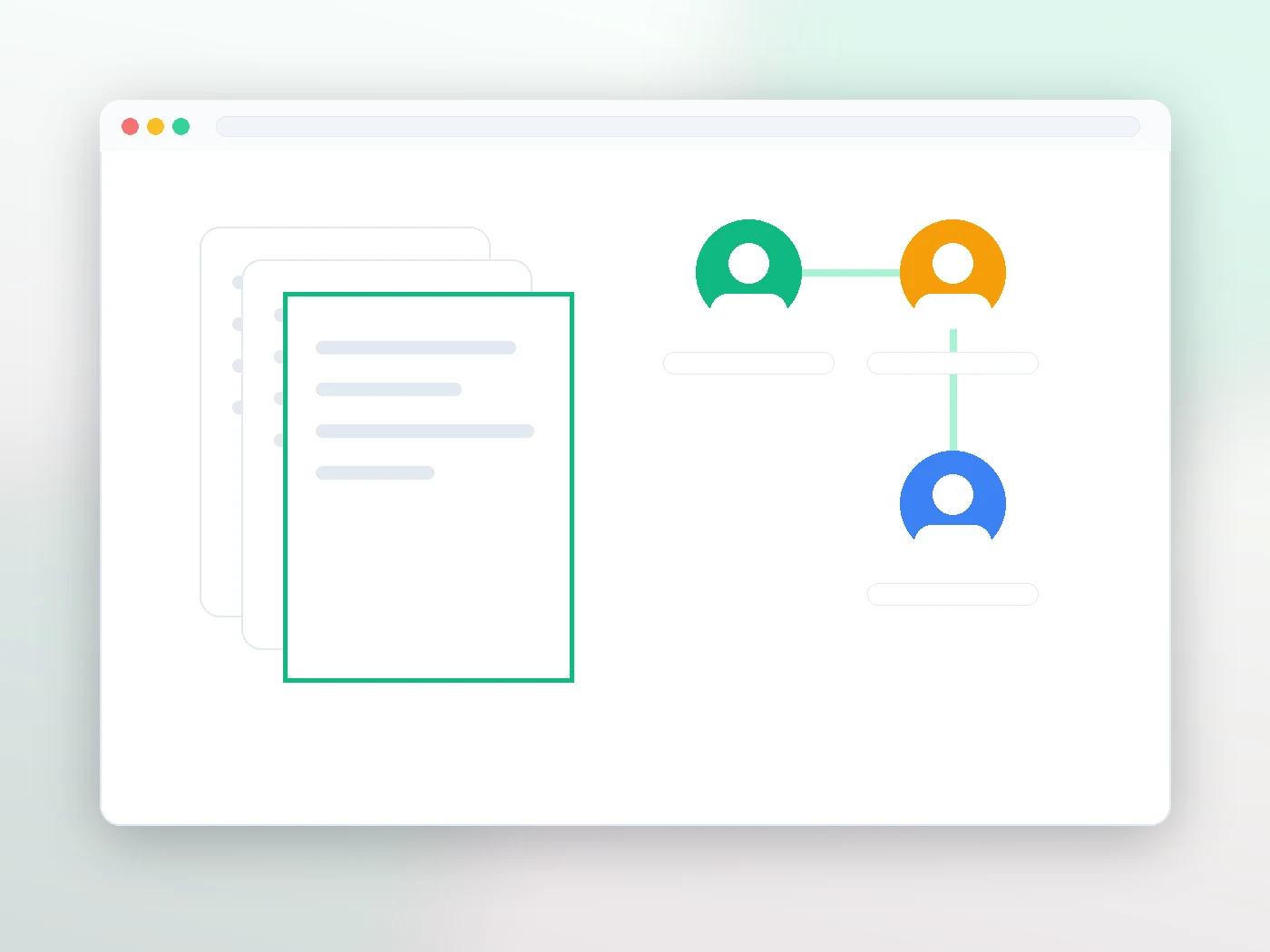
Yes. Strict serial order is enforced by the system — the next signer cannot sign until the previous one has. You can also run it in parallel if order does not matter. See signing order & privacy.
Can I stop one signer from reading the whole document?
Yes — per-signer page visibility. A witness can be given the execution page only, while the parties see everything. One file, different views, no redacted duplicate to maintain.
Is recording mandatory?
No. Recording is host-controlled — you decide whether to start it, and start and stop are both written into the audit trail with timestamps. Guests are told up front that a compliance audit is tracking the session.
How do I prove nobody altered the PDF afterwards?
Upload any copy to /seal. It is free, public and needs no account. A match proves it is the unmodified original; a mismatch proves it is not.
Is this legal in Canada?
Electronic signatures are broadly recognised under PIPEDA and the provincial electronic-transaction statutes, and Quebec's Law 25 privacy obligations are addressed in our published Privacy Impact Assessment. What actually decides a dispute is the evidence behind a signature — which is what a recorded, identity-checked, sealed session is for. Remote witnessing and notarisation rules vary by province and profession, so check your own regulator's requirements. This is general information, not legal advice.
How many people can be in a session?
Up to 8 signers per document on Pro Signing, plus you as host. If you routinely need more, tell us your volume.
What if someone drops off mid-session?
They rejoin from the same link and carry on — the session, the document state and the audit trail are all server-side, not held in a browser tab. As host, reopening the document takes you back into the room, and after minimising it Return to signing room or Switch to Video Signing Room at the top of the Signers panel brings it back.
Can I schedule a session instead of starting it now?
Yes. The Start Video Signing Session window takes an optional date and time. Leave it empty and the button reads Start Live Session Now; add one and it becomes Schedule Session & Send Invites, and each guest is emailed their private join link. You can also copy a text-message-ready invite for any guest.
Who has to be in the room before signing starts?
Each person has a role: Signer (must sign), Witness (must attend but does not sign) or Observer (optional). Let’s Sign stays disabled until every signer and witness is connected with a live video feed, and that is checked on the server, not just in the browser. If you must go ahead without someone, you record a reason and the override is written to the audit trail. Guests also cannot sign before you open signing with Let’s Sign or Sign While Waiting: the server refuses a signature until then.
Can I add a personal message to the invitation?
Yes. Send Room Invites opens the Set Up and Send panel: add or edit guests, set the subject, and write an optional message of up to 1,000 characters. The right-hand side shows the exact email each guest will receive, with Preview as to switch between guests, and a Document Signing Preview of their signing page. The message is recorded in the audit trail with the invite.
Can I see if a guest’s connection is struggling?
Yes. Each guest tile shows a Good, Unstable or Poor connection chip, with the figures on hover, and the room header names the guest with the weakest connection. A poor spell of about six seconds is written into the audit trail, followed by its recovery, so a frozen video is explained in the record.
What does it cost?
The Video Signing Room is part of the Pro Signing plan at $19.99 a month, with unlimited sessions and no per-signing or per-seat fee.