EZ PDF Editor
🔒 100% PRIVATE & SECURITY-FOCUSED PDF TOOLBOX

Free Online PDF Editor — Edit, Sign & Fill Documents with No Sign-Up

✍️ Fill, compress & convert files in your browser — no account, no email. Because rendering happens 100% on your device, your documents stay completely offline, secure & under your control.

Open Editor LTB Templates
Opening your file…
Taking you to the editor
PDFSCANSFORMSIMAGES
Drag & Drop a PDF Here to Edit it. or click anywhere in this box to choose a file
🔄 Try our FREE Conversion ToolsBrowse All Tools - Word, Excel, Images, Split & More
100% private No upload Lossless No sign-up

Convert Anything — Free

Privacy by design

Secure client-side document processing — your files never leave your browser

Worried about uploading confidential tax documents, government IDs, or medical receipts to an unverified cloud server? EZ PDF Editor runs entirely inside your local browser sandbox. Your data remains completely offline, secure, and under your control.

Open Editor →
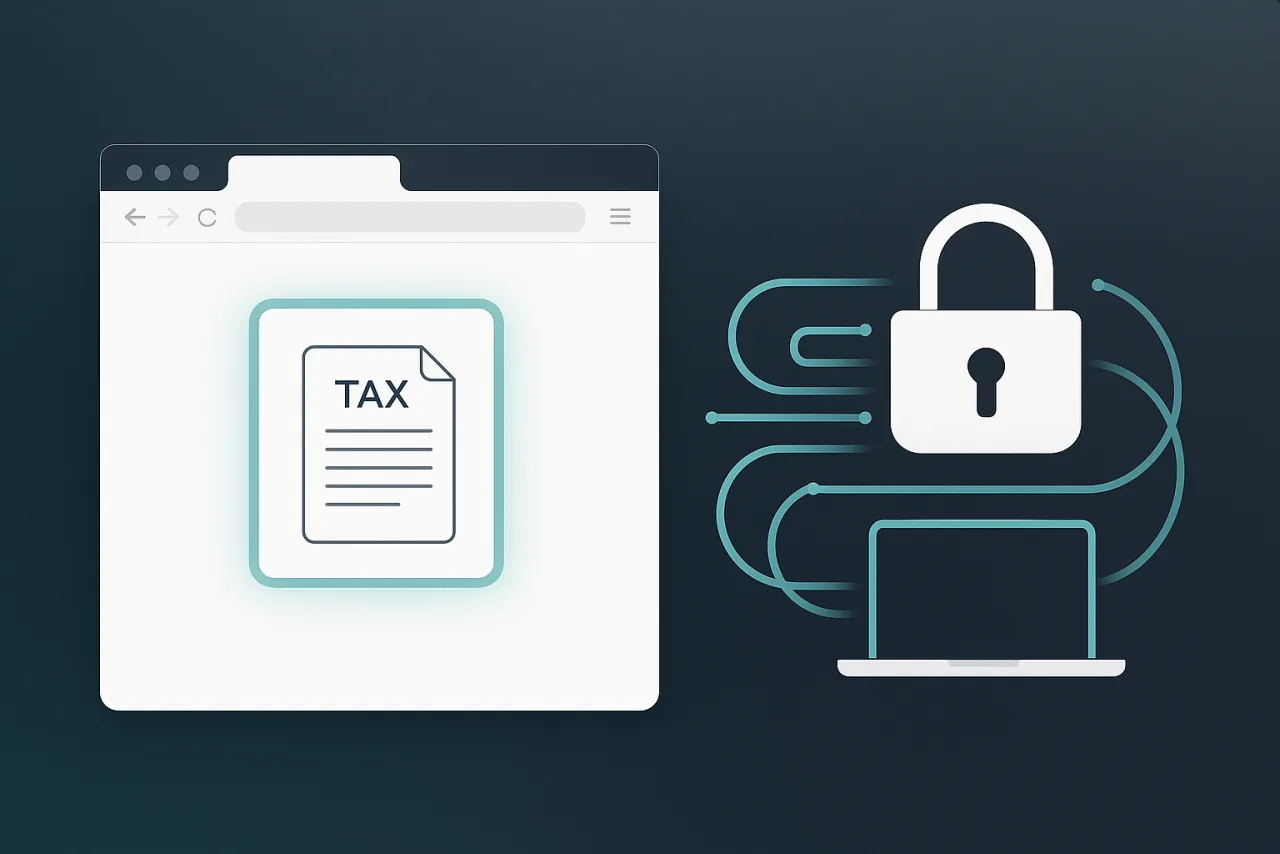
EZ PDF Editor processing a tax document locally in the browser, with a secure lock looping the data back to the user's own laptop
🛡️

Files never leave your device

HEIC, JPG, PNG & WebP image tools and PDF compress, merge, split, edit and sign all run inside your browser — no upload.

🚫

No upload to any server

For the in-browser tools your document is never transmitted, so you can work on sensitive files with total peace of mind.

Lossless, full resolution

PNG output is lossless at full resolution, JPG is near-original, and merge, split, edit & sign copy your pages exactly. Originals are never changed.

No sign-up, no watermark

No account, no email, no paywall, and never a watermark stamped across your file. Open it, use it, download it.
What makes it special

Two things nobody else does free

Not a wall of icons — just the features that change how you handle paperwork.

Talk to fill

Fill out complex paperwork hands-free using your voice

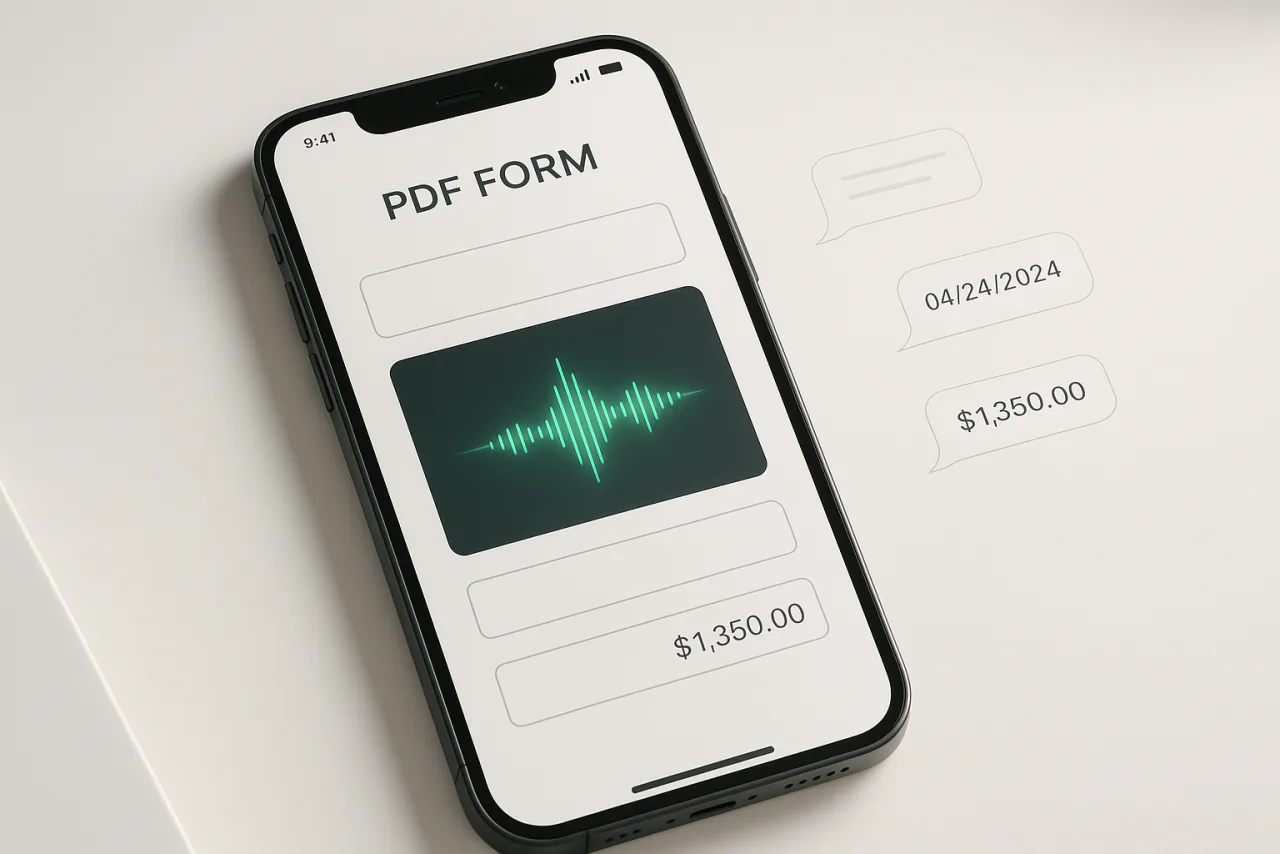
Tap our voice wizard, speak naturally, and watch our browser-native engine parse, categorize, and accurately populate every blank field simultaneously. Perfect for filling out complex multi-page applications on your phone without fighting tiny touchscreen input boxes.

🗣️ Say out loud: “The tenant is John Carter, rent is $2,725 a month, moving in October 1st…”

A phone showing a PDF form being filled by voice — a green waveform with dates and dollar amounts streaming into the document fields
Any flat PDF, made interactive

Bring us any flat PDF file — we make it interactive

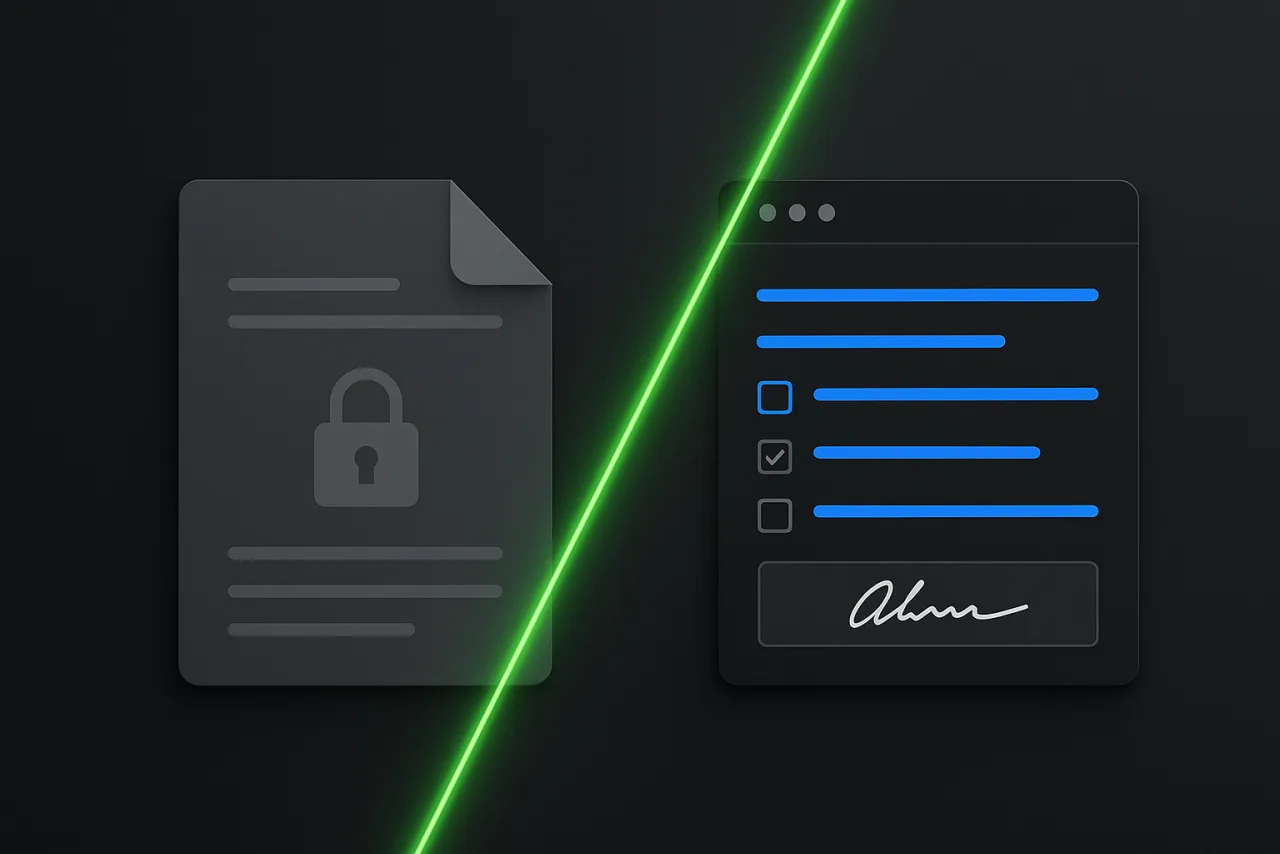
Stop wrestling with locked documents or “this PDF cannot be edited” errors. Drag and drop any flat government form, application, or permit from any state or province into our editor. Our engine instantly flattens it into a clean, click-and-type document. Type text, tick checkboxes, and drop digital signatures instantly on the spot.

Make any PDF fillable →
A locked gray PDF transformed by a green laser into an interactive form with blue editable fields, checkboxes and a handwritten signature
Built for Ontario

Landlord & Tenant Board forms, one click away

Official Ontario LTB forms, pre-flattened and ready to type on the instant they open — no download, no upload.

💡 Need a specific form for your region? We’re on it — we’re actively expanding interactive, pre-flattened libraries for every US state and Canadian province. Until then, drop your flat PDF into the editor above and it instantly becomes fully fillable.
Convert anything

Convert & compress any file, free

Every conversion runs right here — no watermark, no sign-up, up to 300 pages. Pick a tool and start instantly.

Head to head

Why switch from Acrobat & pdfFiller

The same jobs — without the subscription, the upload, or the watermark.

 EZ PDF EditorAdobe AcrobatpdfFillerSmallpdf
PriceFree · Pro $9.99/mo$239/yr$96/yr$108/yr
No signup to editYesNoNoNo
Files stay on your deviceYesCloudCloudCloud
Turn any form fillable for youYesNoNoNo
Fill a form just by talkingYesNoNoNo
No watermark on free tierYesNoNo
PDF ↔ images & compress toolsFreePaidPaidLimited
E-signature requestsFree · 2/moPaid planPaid planAdd-on

Competitor prices are each tool's lowest paid plan. EZ PDF Editor is free forever for editing, filling, signing-placement & converting — optional Pro ($9.99/mo) unlocks unlimited e-signatures & multiple signers per document.

Transparent pricing

Free to edit. No bait-and-switch.

Standard editing is free forever. You only see a paid option for the heavy, server-powered extras below.

Forever Free
$0
Everything you need to fill, sign & convert.
  • Type on unlimited PDFs & scans
  • Make any form fillable + AI voice-fill
  • Images, signatures, merge & pages
  • PDF → Images, Images → PDF, Compress
  • All Ontario LTB & lease forms
  • On-device · no watermark · no account
  • 2 e-signature requests / month · 1 signer each
Start free
Free covers editing, signing & conversions in full. The only limits are on sending documents out for e-signature — upgrade when you need more.
Pro
$9.99/mo
For agents, landlords & power users. Cancel anytime.
  • Everything in Free
  • Unlimited e-signature requests
  • Multiple signers per document
  • OCR — make any scan fillable (coming soon)
  • Priority processing & support
  • Cloud-saved templates & sync
Go Pro
Business
Custom
Teams, brokerages & property managers.
  • Everything in Pro
  • Shared team templates
  • Branded signing pages
  • Bulk send & audit trail
  • Onboarding & SLA
Contact sales
Questions

Good to know

Is EZ PDF Editor really free?

Yes. Filling, signing and downloading PDFs is free forever — no signup and no watermark. You never hit a paywall to download your file.

Are my documents uploaded anywhere?

By default, no — editing, filling, signing-placement and conversions all happen inside your browser, so your file isn't uploaded just to use the editor. Documents only leave your device if you opt in: when you sign in to back them up and sync across devices, or when you send one out for e-signature. You're always the one who decides.

Can I edit a scanned or locked PDF?

Yes — that's our specialty. Bring us any form, scan or locked PDF and we make it fillable. Type anywhere, tick boxes and add your signature right on the page.

How is this better than Acrobat, pdfFiller or Smallpdf?

It's free and private — no subscription, no account, no upload, no watermark — plus things they don't do: fill a whole form just by talking, and turn any form into a fillable one automatically.

Is this safe? Do you upload my files to a server?

For most tools — every image converter (HEIC, JPG, PNG, WebP) and PDF tools like compress, merge, split, edit, fill and sign — your files are processed entirely in your browser and never leave your device. The only exception is Office conversions (Word, Excel and PowerPoint to PDF), which use a secure server and are deleted right after. You’re always told which is which.

Will I lose quality or resolution?

No. You keep full resolution: PNG output is lossless, JPG is near-original, and merge, split, edit and sign copy your pages exactly with no re-compression. Your original is never modified — only Compress reduces size, and only by the amount you choose.

Can I use this for sensitive documents (tax, ID, medical)?

Yes. Because the image and PDF tools run in your browser with nothing uploaded, sensitive files like tax forms, IDs and medical receipts never leave your device.

Does it work on my phone?

Yes. It runs in any modern browser on desktop, tablet and phone. Sign with your finger, fill forms on the go, and download right from your device.

Fill out your first PDF in 30 seconds.

Open the editor and get started — free, private, no signup.