Sign & witness
for agreements that have to hold upCollect a signature by email, or get everyone in a room together on video and record the whole thing.
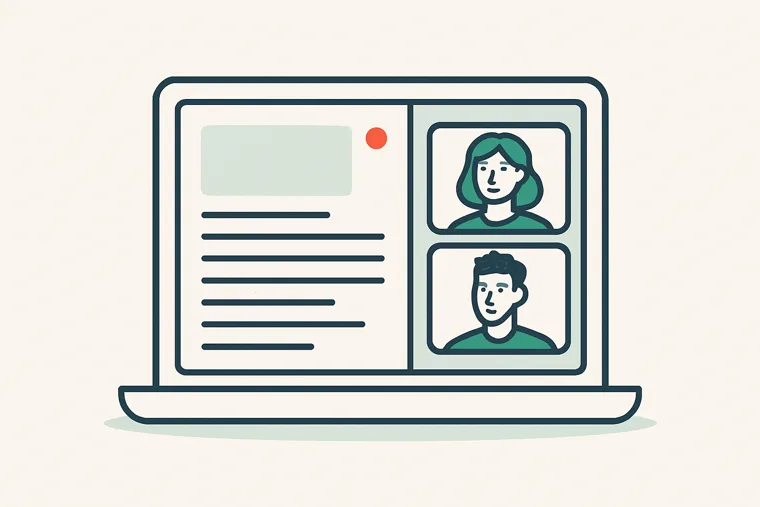
Video Signing RoomPRO SIGNING
Start live now or schedule for later, send invites with a personal message and a preview of the exact email, then walk your client through the document on a live call and watch them sign it. Signing opens only when you open it, once everyone required is on camera; each guest’s connection quality is shown live, the session can be recorded, every action is logged, and the finished file is sealed.
See how it works →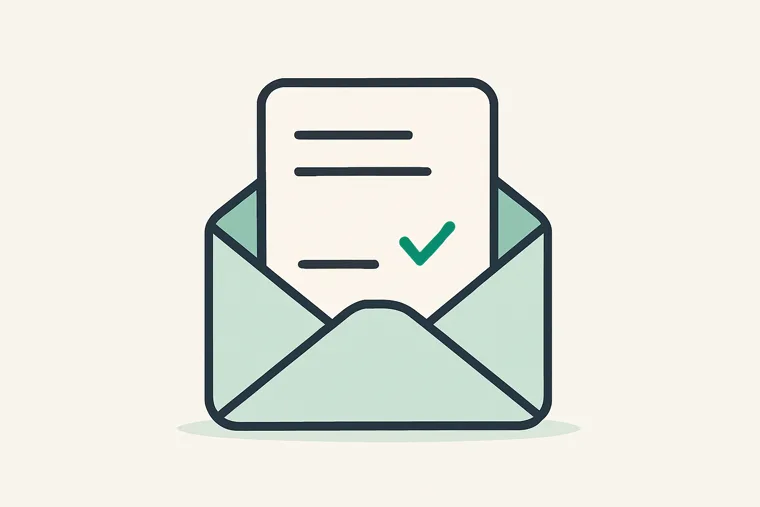
Collect Signatures
Email a document to one person or several with Signature, Initials, Date Signed and Full Name boxes. Automatic reminders, CC recipients, reusable templates with tags, and a preview of the signing page on desktop or phone plus a sample of the completed document — then an Audit Trail of every step and Email Copy of the signed PDF once it's done.
See how it works →
Identity VerificationPRO SIGNING
Ask a signer for photo ID and compare it to their live video before you accept a signature, or let them use the optional automated document check. You decide — no facial recognition is used.
See how it works →
Verify a sealed PDF
Every completed signing gets a tamper-evident seal. Upload a copy here and we will tell you whether it is the original or has been altered.
Check a document →
Email a document
Free opens your own email app with everything filled in, ready to attach. Pro sends it straight from our server, PDF already attached.
Open the editor →